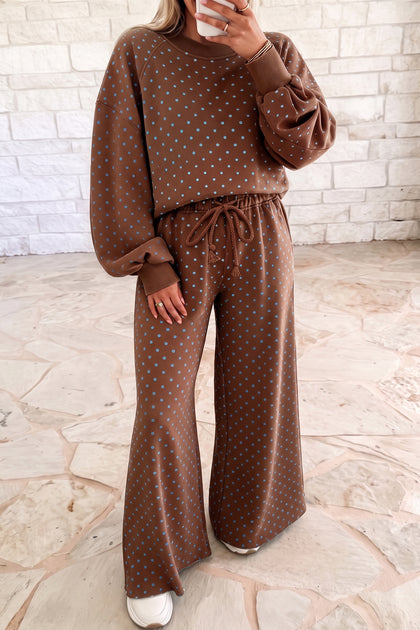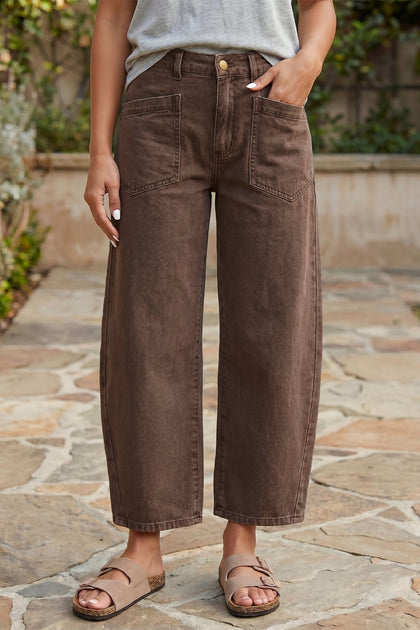
$31.95
How To Place An Order
Shopping at Lunevella is simple. Follow the steps below to choose your favorite styles, select the right size, and complete checkout securely.
Step 1: Browse Our Collections
Use the top navigation menu to browse by category, style, or trend. You can explore Dresses, Tops, Bottoms, Swimwear, Plus Size, Shoes & Bags, Accessories, and more.

Step 2: Choose A Product
Click any product image or product name to open the product page. On the product page, you can view more photos, color options, size options, price, and product details.

Step 3: Review Product Details And Size
Before ordering, please review the product photos, description, fabric details, and size information carefully. If you are unsure about your size, click Size Guide and compare your measurements before checkout.

Step 4: Select Color, Size, And Quantity
Choose your preferred color, size, and quantity. Some items may sell out quickly, so available options will be shown on the product page

Step 5: Add The Item To Your Cart
After selecting your options, click Add to cart. You can continue shopping or proceed to checkout.

Step 6: Review Your Cart
Before checkout, review your cart carefully. Make sure the item, color, size, quantity, and price are correct. You can update the quantity or remove items before placing your order.

Step 7: Checkout Securely
Click Checkout and enter your contact information, shipping address, and delivery details. If you have a discount code or Lunevella store credit, apply it before completing payment.

Step 8: Choose A Payment Method
Select your preferred payment method and complete your payment securely. Available payment methods may include credit card, PayPal, Shop Pay, Apple Pay, Google Pay, or other options depending on your location

Step 9: Check Your Order Confirmation
After payment, you will see an order confirmation page and receive a confirmation email. Please keep your order number in case you need customer support.
Please review your order information again, including item, size, color, quantity, shipping address, phone number, and email address. If anything is incorrect, contact our customer service team within 24 hours at service@lunevella.com. After 24 hours, your order will be processed based on the information submitted at checkout and we may not be able to make changes.

Step 10: Track Your Order
Once your order ships, we will send you a shipping confirmation email with tracking information. You can use the tracking link to follow your package.
I did not receive an order confirmation email. What should I do?
Please check your spam or junk folder first. If you still cannot find the email, contact us with the name and email address used at checkout.
Can I change my size or address after placing an order?
Please contact us as soon as possible. We can only make changes before the order begins processing or ships.
Where can I enter a discount code?
You can enter your discount code during checkout before completing payment.
Can I use store credit at checkout?
If you have available Lunevella store credit, you can use it during checkout when logged in or when the credit is available to your checkout account.
Is checkout secure?
Yes. Lunevella uses secure checkout technology and trusted payment providers. We do not store your full card number on our own systems.